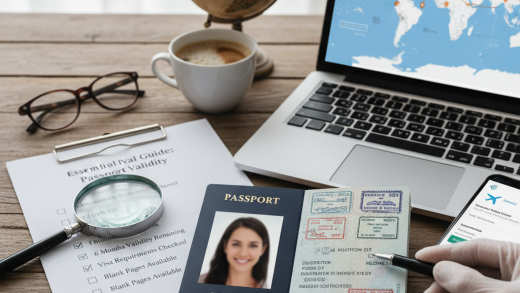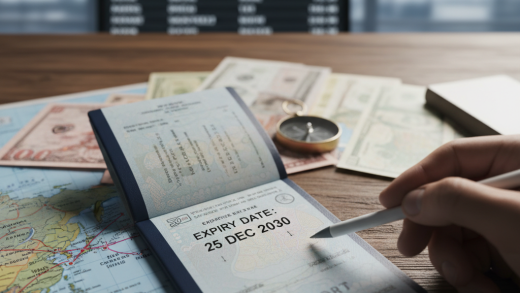
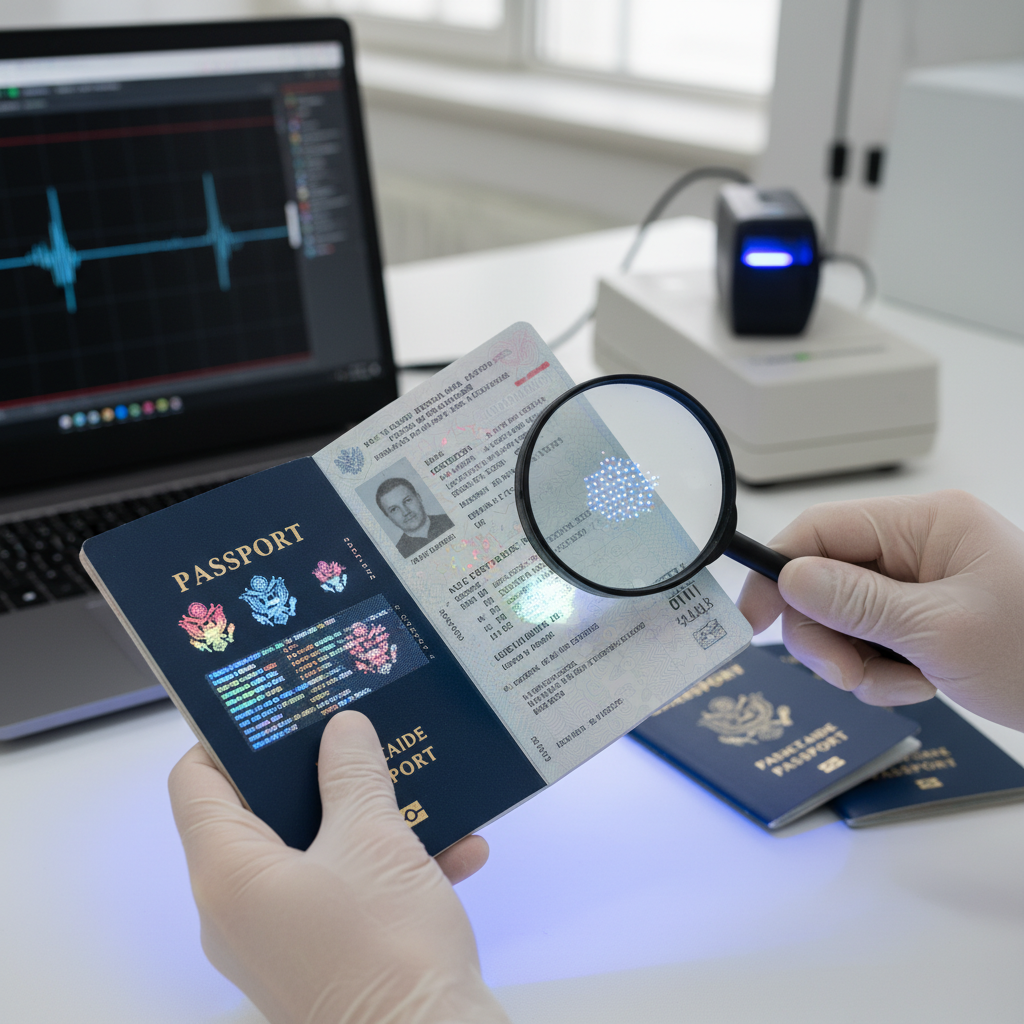
The most obvious aspect of a passport is the data page, which contains personal information like your name, date of birth, and passport number. However, the data page also incorporates several security features designed to prevent counterfeiting. Look closely at the printing quality; the text and images should be crisp and clear, not blurry or smudged. The paper itself should feel substantial, not flimsy. Modern passports often use a special type of paper that can’t be easily replicated.
One of the primary security features to examine is the use of watermarks. These are embedded images or patterns that become visible when the passport is held up to the light. The watermark should match the image associated with the passport’s issuing country and should be integrated into the paper, not simply printed on the surface. Check for consistent placement and clarity of the watermark.
Holograms are another crucial security element. These are three-dimensional images that appear to change as the passport is tilted. They are often applied to the data page and sometimes incorporated into the cover. Examine the hologram carefully. It should be intact, without any signs of tampering or peeling. The design should be complex and difficult to replicate. Common holographic elements include the passport issuing country’s coat of arms, a portrait of the passport holder, and other intricate patterns.
The color-shifting ink is a sophisticated security feature that changes color when viewed from different angles. This ink is often used for the passport number or other critical information on the data page. As you tilt the passport, the ink’s color should shift smoothly and predictably. Any inconsistencies or a lack of color change should raise suspicion.
Microprinting involves printing extremely small text that is only visible under magnification. This text often includes the passport issuing authority’s name, passport number, or other security information. Use a magnifying glass to examine the data page for microprinting. The text should be sharp and legible, not blurred or distorted. The presence of microprinting is a strong indicator of authenticity.
Many passports also include UV (ultraviolet) features. These features are invisible under normal light but become visible when exposed to ultraviolet light. They can include fluorescent inks, fibers, or images. Use a UV light to check for these features. Their presence confirms the authenticity of the passport.
Beyond the data page, the passport’s cover also provides clues to its authenticity. The cover should be made of durable material, such as leather or a high-quality synthetic. The passport issuing authority’s name and the international passport symbol should be clearly printed or embossed on the cover. The printing or embossing should be of high quality, without any signs of wear or damage.
The stitching of the passport’s pages is another element to consider. The stitching should be neat and secure, and the pages should be bound tightly together. Any loose or uneven stitching might indicate tampering or a counterfeit document. Examine the spine of the passport to assess the stitching quality.
Inside the passport, you’ll find a series of pages, often with unique designs and security features. These pages may contain watermarks, holographic images, or other security elements that match the data page’s security measures. Flipping through the pages, you should look for consistent quality in printing, paper, and security features.
The passport number is a unique identifier. It should be printed on the data page and often laser-engraved or otherwise reproduced in other places within the passport, such as on the visa pages. Verify that the passport number is consistent across all locations within the document. Any discrepancies should be investigated.
Each passport contains an MRZ (Machine Readable Zone) at the bottom of the data page. This is a series of characters printed in a special font that can be read by passport readers. Verify that the MRZ data matches the data on the data page. Any errors or discrepancies could indicate a fraudulent document.
If you have concerns about a passport’s authenticity, you can utilize the issuing authority’s website or contact information to verify it. Most passport issuing authorities provide online tools or contact details to verify passports. You can often enter the passport number and other information to confirm its validity. Be cautious, though, as fake websites can also be made.
Contacting the issuing authority directly is another way to verify the passport’s authenticity. Locate the contact information for the passport issuing authority in the country that issued the passport. You can often find this information on the authority’s website or in the passport itself. Contact them and provide the passport number and other relevant information to inquire about its validity. Remember to be cautious about who you share this information with.
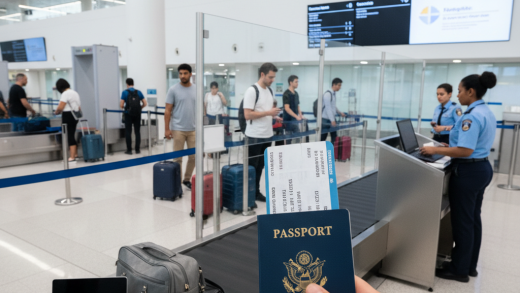
When traveling, you can also have your passport verified at the border control. Border control officers are trained to detect fraudulent documents. They can use specialized equipment and databases to verify the passport’s authenticity. If a border control officer suspects that a passport is fraudulent, they may conduct a thorough inspection or even confiscate the document.
If you encounter a passport that you suspect is fraudulent, you should immediately report it to the relevant authorities, such as the local police or the passport issuing authority. Provide as much information as possible, including the passport number, the suspected fraudulent features, and any other relevant details. Your report can help prevent fraud and protect others.
Protecting your passport is also essential for preventing fraud. Always keep your passport in a secure location and avoid sharing it unnecessarily. Be cautious about who you allow to handle your passport, and never leave it unattended. Report a lost or stolen passport immediately to the relevant authorities.
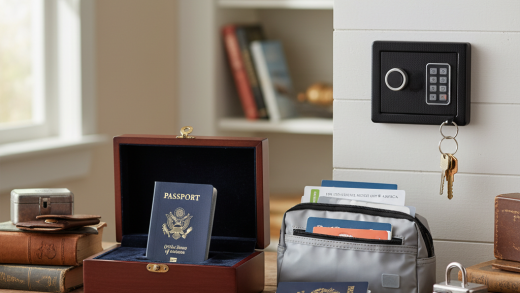
Storing your passport securely is crucial. When not traveling, store your passport in a safe place, such as a locked drawer or a safe. Consider using a passport holder to protect it from damage. Regularly check your passport to ensure it is in good condition.
To summarize, verifying a new passport’s authenticity involves a thorough examination of its security features, including watermarks, holograms, color-shifting ink, microprinting, and UV features. Additionally, checking the stitching, passport number, and MRZ can help you confirm its legitimacy. If you have any doubts, contact the issuing authority or seek assistance from border control officers.
It’s important to be aware of the consequences of using a fraudulent passport. You may be denied entry to a country, arrested, or face other legal penalties. Using a fake passport is a serious offense that can have severe repercussions.
The future of passport security is continuously evolving. New technologies, such as biometric data and advanced printing techniques, are being incorporated to enhance passport security and make it even more difficult to counterfeit. Staying informed about these advancements can help you better understand passport security features and identify potential fraud.
- Biometric data: Many modern passports include biometric data, such as fingerprints, facial recognition, and iris scans. This data is stored on a chip embedded in the passport and can be used to verify the passport holder’s identity.
- Enhanced printing techniques: Passport issuers are utilizing more sophisticated printing techniques, such as laser engraving and intaglio printing, to create intricate designs that are difficult to replicate.
- Secure data storage: The use of secure data storage on passport chips is increasing. This data is encrypted and protected from unauthorized access.
- Familiarize yourself with the security features of your passport.
- Examine the data page carefully, looking for inconsistencies or signs of tampering.
- Check the passport number and MRZ for accuracy.
- Use a magnifying glass to check for microprinting.
- Utilize a UV light to check for UV features.
- If you have any doubts, contact the issuing authority or seek assistance from border control.
Remember, remaining vigilant and informed is the best defense against passport fraud. By following these guidelines, you can significantly increase your ability to identify a genuine passport and safeguard your travel plans.