The Importance of Passport Security
Passports are valuable documents that can be used to impersonate someone, cross borders illegally, and even commit identity theft. Forgers constantly attempt to replicate passports, making it crucial for border control officials and individuals alike to be able to identify authentic documents quickly and accurately. The security features incorporated into modern passports are the result of decades of innovation and continuous improvement, designed to stay one step ahead of counterfeiters.
Physical Security Features
1. High-Quality Paper: Authentic passports are printed on special paper that is different from regular paper. It usually contains watermarks, security threads, and other embedded elements that are difficult to replicate.
2. Watermarks: Hold your passport up to the light, and you should see a watermark. This is a translucent image or pattern embedded in the paper during manufacturing. The watermark is often a national symbol or a repeating design. Forgers find it extremely difficult to reproduce accurate watermarks.
3. Security Threads: These are thin, often metallic or iridescent threads woven into the paper. They may be visible on the surface or embedded within the paper fibers. Some security threads change color or display text when viewed under different angles or light sources.
4. Intaglio Printing: This is a printing technique that creates raised or engraved lines that you can feel with your fingertips. It’s commonly used for the passport’s biographical data page and other important sections. The raised texture is very difficult to duplicate accurately.
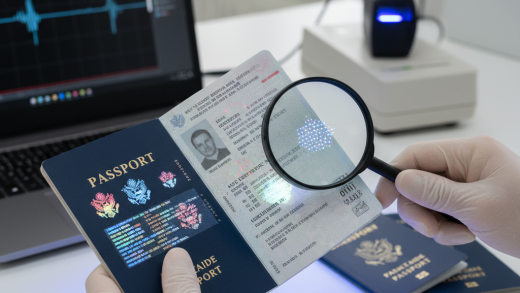
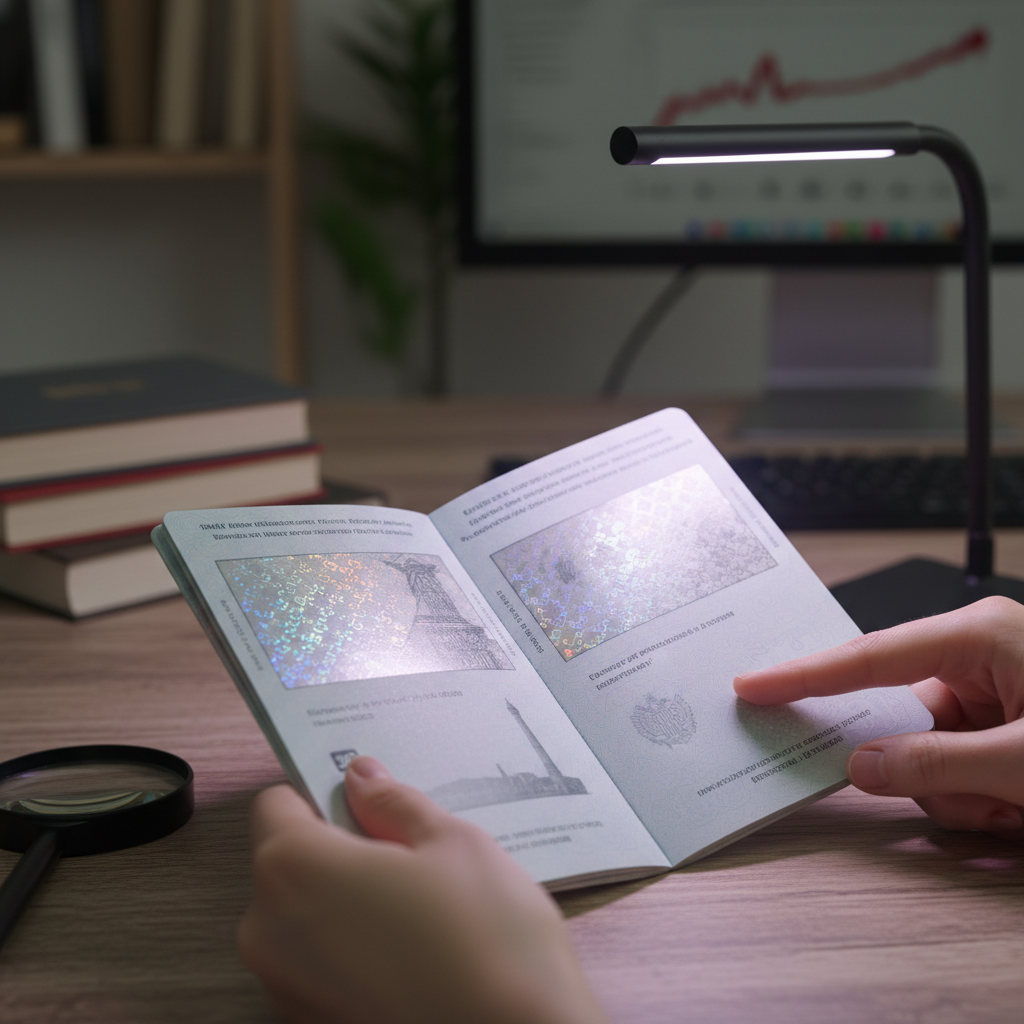
5. Microprinting: Tiny text, often only visible with a magnifying glass, is printed in various locations on the passport. This microprinting can be used to display important information or create intricate patterns. The small size makes it difficult to reproduce without specialized equipment.
Visual Security Features
1. Holograms: Holograms are three-dimensional images that change appearance when viewed from different angles. They are often used on the passport cover, the biographical data page, and other key areas. Holograms are very complex to create, making them a strong deterrent to forgery.
2. Optically Variable Ink (OVI): This special ink changes color when viewed from different angles. It’s often used to print key information, such as the passport number or the holder’s photograph. The color shift is a unique characteristic that is difficult to imitate.
3. Latent Images: These are images that are hidden within a design and only become visible when viewed at a specific angle. They are created using specialized printing techniques and are difficult to detect without knowing where to look.
4. Complex Background Printing: Authentic passports often feature intricate background designs that are difficult to reproduce accurately. These designs may include fine lines, guilloche patterns, and other complex elements that are challenging for counterfeiters to replicate.
Technological Security Features
1. Machine-Readable Zone (MRZ): This is the two-line block of alphanumeric characters at the bottom of the biographical data page. It contains key information about the passport holder, such as their name, passport number, and date of birth, in a standardized format that can be read by machines. The MRZ allows border control officials to quickly and accurately verify the passport holder’s identity.
2. Radio-Frequency Identification (RFID) Chip: Many modern passports contain an embedded RFID chip that stores the same information as the MRZ, as well as a digital photograph of the passport holder. This chip can be read wirelessly by authorized readers, allowing for faster and more efficient processing at border crossings. However, RFID chips can also be vulnerable to skimming, so it’s important to protect your passport from unauthorized access.
3. Digital Security Features: Passports also incorporate digital security features, such as digital signatures and encryption, to protect the data stored on the RFID chip. These features ensure that the data on the chip is authentic and has not been tampered with.
How to Verify Your Passport’s Authenticity
1. Examine the Paper: Feel the paper. Does it feel like regular paper, or does it have a different texture? Hold it up to the light to check for watermarks and security threads.
2. Check the Printing Quality: Look for sharp, clear printing. Are the lines crisp and well-defined, or are they blurry or fuzzy? Check for microprinting and intaglio printing.
3. Inspect the Holograms: Tilt the passport and observe the holograms. Do they change appearance when viewed from different angles? Are they clear and detailed?
4. Look for Optically Variable Ink: Check the passport number and other key information printed with OVI. Does the color shift when viewed from different angles?
5. Verify the MRZ: Ensure that the information in the MRZ matches the information on the biographical data page. Use a passport reader app on your smartphone to scan the MRZ and verify the data.
6. Protect Your RFID Chip: Use an RFID-blocking sleeve or wallet to protect your passport from unauthorized scanning. Be aware of your surroundings and keep your passport secure when traveling.
Reporting a Lost or Stolen Passport
If your passport is lost or stolen, it’s important to report it immediately to the appropriate authorities. In the United States, you can report a lost or stolen passport online through the State Department’s website or by calling the National Passport Information Center. Reporting a lost or stolen passport will help prevent it from being used fraudulently.
Additional Tips for Protecting Your Passport
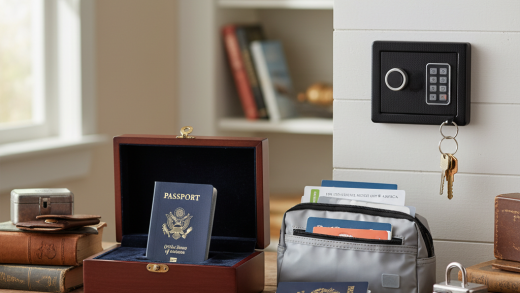
- Keep your passport in a safe and secure location when you’re not using it.
- Make a photocopy of your passport and store it separately from the original.
- Consider laminating your passport’s biographical data page to protect it from damage. However, be aware that some countries may not accept laminated passports.
- Be wary of scams that promise to expedite the passport application process or offer discounts on passport fees.
The Future of Passport Security
- Biometric passports that use facial recognition or fingerprint scanning to verify the holder’s identity.
- Passports with embedded microchips that contain more detailed information about the holder, such as their iris scan or DNA profile.
- Virtual passports that exist only in digital form and can be accessed on a smartphone or other device.
Conclusion
Understanding the security features of your passport is essential for protecting your identity and preventing fraud. By familiarizing yourself with the physical, visual, and technological elements that make a passport authentic, you can travel with greater confidence and peace of mind. Remember to keep your passport safe and secure, and report it immediately if it is lost or stolen. As passport security continues to evolve, staying informed about the latest security features will help you safeguard your identity in an increasingly interconnected world.