Understanding Your Document: The E-Passport
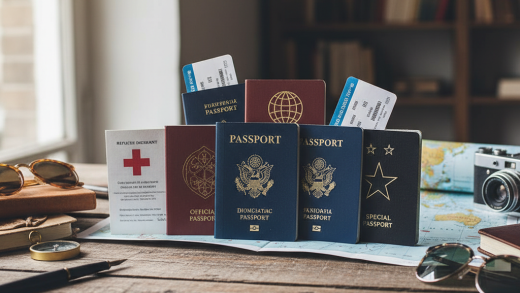
Before discussing the mechanics of opening the passport, it is vital to understand what you are holding. Most modern passports are biometric, often referred to as e-passports. You can identify these by the small, gold camera-like symbol at the bottom of the front cover. Embedded within the booklet—usually in the back cover or a thick polycarbonate data page—is a Radio Frequency Identification (RFID) chip.
This chip contains your biographical data and a digital copy of your photograph. It is a sensitive piece of technology. Bending your passport aggressively, sitting on it, or exposing it to extreme temperatures can damage the antenna connecting to this chip. When we talk about opening the passport ‘securely,’ we are talking about two things: protecting your personal data from prying eyes and protecting the physical integrity of the chip so it works when scanned.
Preparation Before You Reach the Front
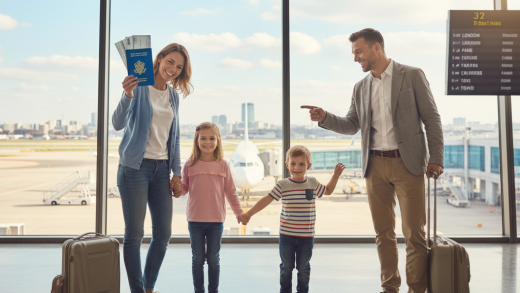
The process of a secure border crossing begins while you are still standing in the queue. The most common mistake travelers make is waiting until they are directly in front of the officer or the e-gate to locate their passport. This causes unnecessary fumbling, which can drop your situational awareness, making you vulnerable to pickpockets who thrive in busy transit hubs.
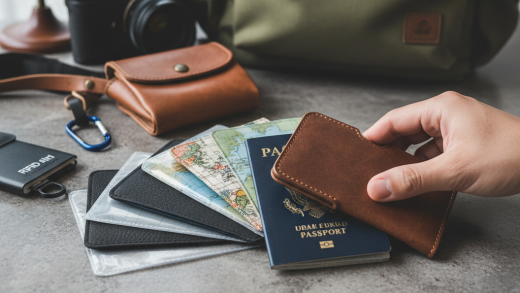
Remove all covers and cases. Many travelers use passport covers to protect their documents or carry extra cards. While these are great for the journey, they are the enemy of border control efficiency. E-gates cannot scan through most covers, and officers will ask you to remove them to inspect the security features of the booklet. Remove the cover while you are waiting in line and store it securely in your bag. Do not place loose covers on the counter where they might be forgotten.
Have your boarding pass ready, but separate. In some jurisdictions, you need to show your boarding pass along with your passport; in others, you only need the passport. However, you should never hand over a passport with the boarding pass tucked inside the pages. This forces the officer to dismantle your organization, slowing down the process. Hold the passport in one hand and the boarding pass in the other.
Navigating Automated E-Gates
Automated Border Control (ABC) gates, or e-gates, are becoming the standard in major international airports. They rely entirely on your ability to open your passport correctly. If you fail to do so, the gate will remain closed, and you will be redirected to a human officer, delaying your exit.
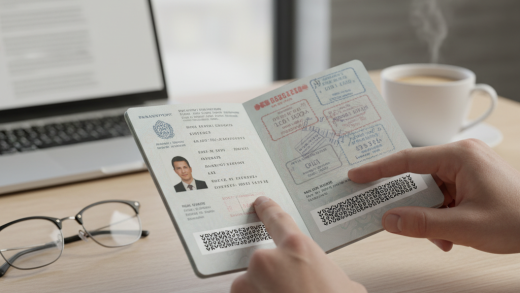
Step 1: Locate the Photo Page. As you approach the gate, open your passport to the page containing your photograph and personal details. This is the only page the machine cares about. Do not open it to your visa page or the center of the booklet.
To ensure a secure read, place the passport on the glass and place your hand firmly on the back cover, pressing down. Apply gentle, even pressure. Do not move the passport once it is placed; the scanner takes a few seconds to capture the data and communicate with the chip. If you slide it around, the read will fail.
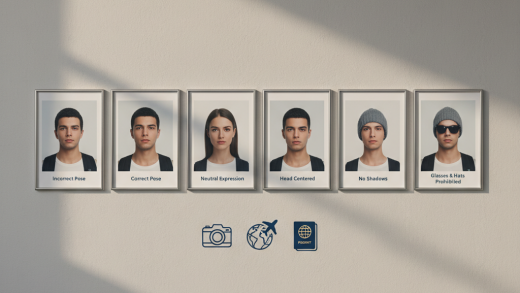
Step 3: Watch the Screen, Not the Passport. Once your hand is pressing the passport down, look up immediately. The camera is positioned at eye level on the gate. If you are looking down at your hands to see if the passport is open, the facial recognition camera cannot match your face to the photo in the chip. Remove hats, glasses, and bulky scarves before you enter the gate area to ensure this match happens instantly.
Presenting to a Border Control Officer
If you are ineligible for e-gates or simply prefer human interaction, the etiquette and security measures differ slightly. Here, the focus is on respect, visibility, and clear communication.
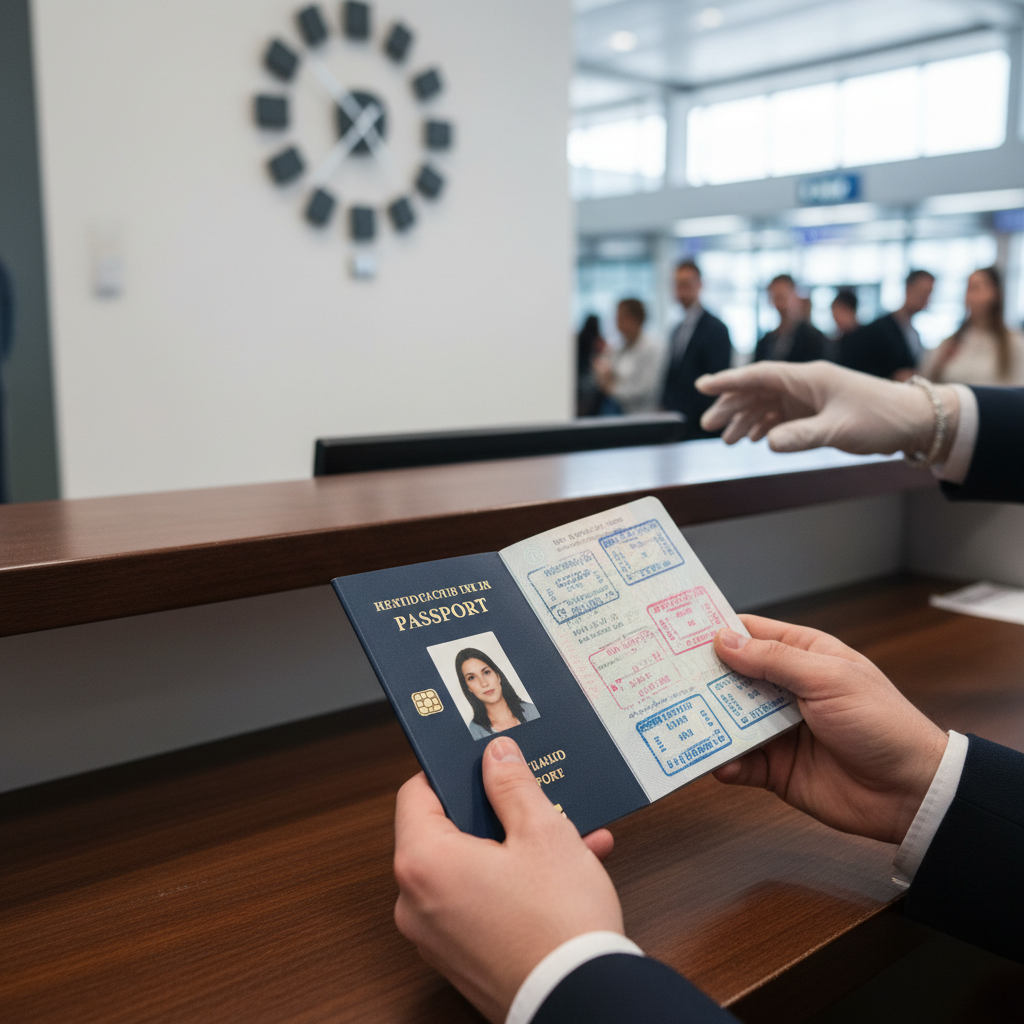
When you approach the booth, open your passport to the photo page before handing it over. This is a small gesture of courtesy that signals you are prepared and have nothing to hide. It saves the officer a split second of work, and in the world of border security, efficiency is appreciated. However, do not place it on the counter and walk away; hand it directly to the officer if the layout allows, or slide it through the opening in the glass.
Security Tip: Never hand over a passport that is ‘loaded’ with other items. Remove old luggage tags, loose currency, or scraps of paper from the pages. These can fall out and be lost, or worse, they can look like an attempt to bribe an officer in certain strict jurisdictions. A clean passport is a secure passport.
Once the officer has the document, keep your hands visible and refrain from using your mobile phone. The officer needs to verify that the person standing in front of them matches the booklet. If they ask for your cover or wallet to verify other IDs, produce them calmly. Unlike the e-gate, the officer may flip through the pages to look for entry stamps or visas. Let them handle the booklet; do not try to ‘help’ by turning pages for them unless asked.
Physical Handling: Protecting the Spine
Passports are durable, but they are not indestructible. One of the most damaging habits travelers form is bending the passport backward to keep it open. While you need the page to lie flat for the scanner, you should achieve this by pressing down on the whole booklet, not by cracking the spine.
Bending the spine aggressively can detach the pages from the cover or snap the invisible antenna wires connected to the biometric chip. If this chip is damaged, the e-gates will never open for you again, and you will face delays at every border crossing until you replace the document. Treat the booklet like a small, valuable hardcover book.
Hygiene and Surface Contact
In a post-pandemic world, we are all more conscious of what we touch. Border control surfaces—specifically the glass scanners at e-gates and the biometric fingerprint pads—are high-touch areas. While you want to open your passport securely, you may be wary of pressing your hand onto a glass pane touched by thousands of others.
To manage this securely, hold the passport by the edges of the cover when pressing it down, using your fingertips on the non-data areas of the booklet if possible. Alternatively, use a knuckle to apply pressure to the back cover. Carry a small bottle of hand sanitizer to use immediately after you clear the checkpoint. Do not, however, try to hover the passport over the glass to avoid touching it; the scanner has a very shallow depth of field and requires contact for a successful read.
Data Security: The Myth and Reality of Skimming
A common concern regarding ‘secure’ passport handling is the threat of RFID skimming—the idea that criminals can use a long-range scanner to steal your data while you are standing in line. While this is theoretically possible, the encryption on modern passports makes it incredibly difficult to extract meaningful data without physically opening the book to read the key printed on the data page.
However, physical theft is a very real danger. When you are fumbling to open your passport, you are distracted. Keep your passport in a front pocket or a dedicated, zipped compartment of your bag until you are in the secure zone of the border control hall. Do not walk through the airport swinging your passport in your hand. Open it only when you are next in line.
After the Check: The Stow Away
The moment the gate opens or the officer hands your passport back is the most critical moment for loss prevention. The relief of clearing immigration often causes travelers to rush toward baggage claim. In this rush, passports are often left on counters, dropped on the floor, or stuffed loosely into jacket pockets where they fall out later.
The 5-Second Rule: Establish a personal rule that you do not take a single step away from the checkpoint until your passport is securely back in its designated spot. Do not just hold it in your hand while grabbing your luggage. Stop, unzip your bag or pocket, place the passport inside, zip it up, and then move. This 5-second pause ensures you do not leave your most important document behind.
Troubleshooting: When It Doesn’t Open
Sometimes, despite your best efforts to open the passport securely and flatly, the gate will not open. A red light will flash, or an arrow will direct you to a desk. Do not panic. This is rarely a sign of a security issue and usually a technical glitch or a reading error.
If this happens, close your passport immediately. Do not wave it around or try to force it back into the scanner. Look for a member of staff. They will usually direct you to a manual booth. When you arrive at the booth, simply hand the passport to the officer and, if you wish, mention, ‘The gate didn’t read the chip.’ This provides context and shows you are being helpful.
Summary of Best Practices
- Strip it: Remove all covers, cases, and loose papers before you join the queue.
- Prep it: Have the photo page ready before you reach the scanner or officer.
- Flatten it: Press the photo page firmly against the glass at e-gates, but do not break the spine.
- Protect it: Stow it away securely immediately after crossing, before you move to baggage claim.
By following these steps, you not only speed up your own journey but also contribute to the efficiency of the entire airport ecosystem. You protect your personal data, ensure the physical longevity of your expensive travel document, and reduce the stress that naturally comes with international travel. The next time you approach that border line, you will do so with the confidence of a seasoned pro.