Why Signing Your Passport Is a Non-Negotiable Step
Your passport is one of the most powerful forms of identification you can possess. It is a legal document issued by the U.S. government that attests to your identity and citizenship. Your signature transforms it from a generic booklet into a personalized document legally tied to you. It is the official endorsement that you are the person depicted in the photo and described in the details.
Furthermore, your signature serves as a primary security feature. When you present your passport, officials may compare the signature in the book to the one you provide on landing cards or other forms. A missing or inconsistent signature can raise red flags during identity verification processes, leading to delays and questioning.
The requirement for a signature also aligns with international travel standards set by organizations like the International Civil Aviation Organization (ICAO). These global standards ensure that passports are uniform and secure, facilitating smooth and safe border crossings worldwide. A correctly signed passport complies with these essential international norms.
Who Is Required to Sign the Passport?
The rules for signing a passport vary by age. It is essential to know who is responsible for placing a signature in the book to ensure its validity.
For all adults and teenagers aged 16 and older, the rule is simple: you must sign your own passport. The signature should be your own customary legal signature, the one you use for other official documents like your driver’s license or financial paperwork.
For children under the age of 16, the situation is different. The child should not sign the passport. Instead, a parent or legal guardian must sign on their behalf. This acknowledges that the child is too young to have a legally binding signature.
A Parent’s Guide to Signing a Minor’s Passport
If you are signing for your child who is under 16, you cannot simply sign your own name. The correct procedure is to first print your own name on the signature line. Then, sign your own name next to it. Finally, write your relationship to the child in parentheses. For example: Jane M. Doe (mother) followed by Jane Doe’s signature.
Even if your child is old enough to write their own name, if they are under 16, you as the parent or legal guardian must still be the one to sign the passport following the procedure above. The child’s own signature is not considered legally valid on a passport until they turn 16.
Once a child turns 16 and applies for their passport (which will be a full-validity adult passport), they must sign it themselves. This is an important milestone, as it marks their transition to having a legally recognized signature for international travel purposes.
Finding the Right Spot: Where to Sign
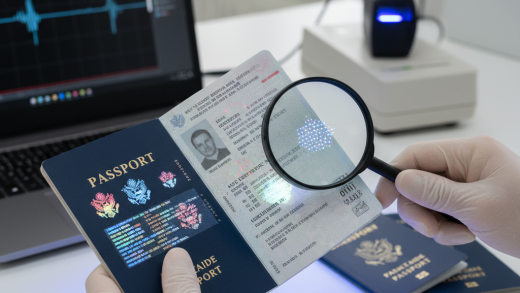
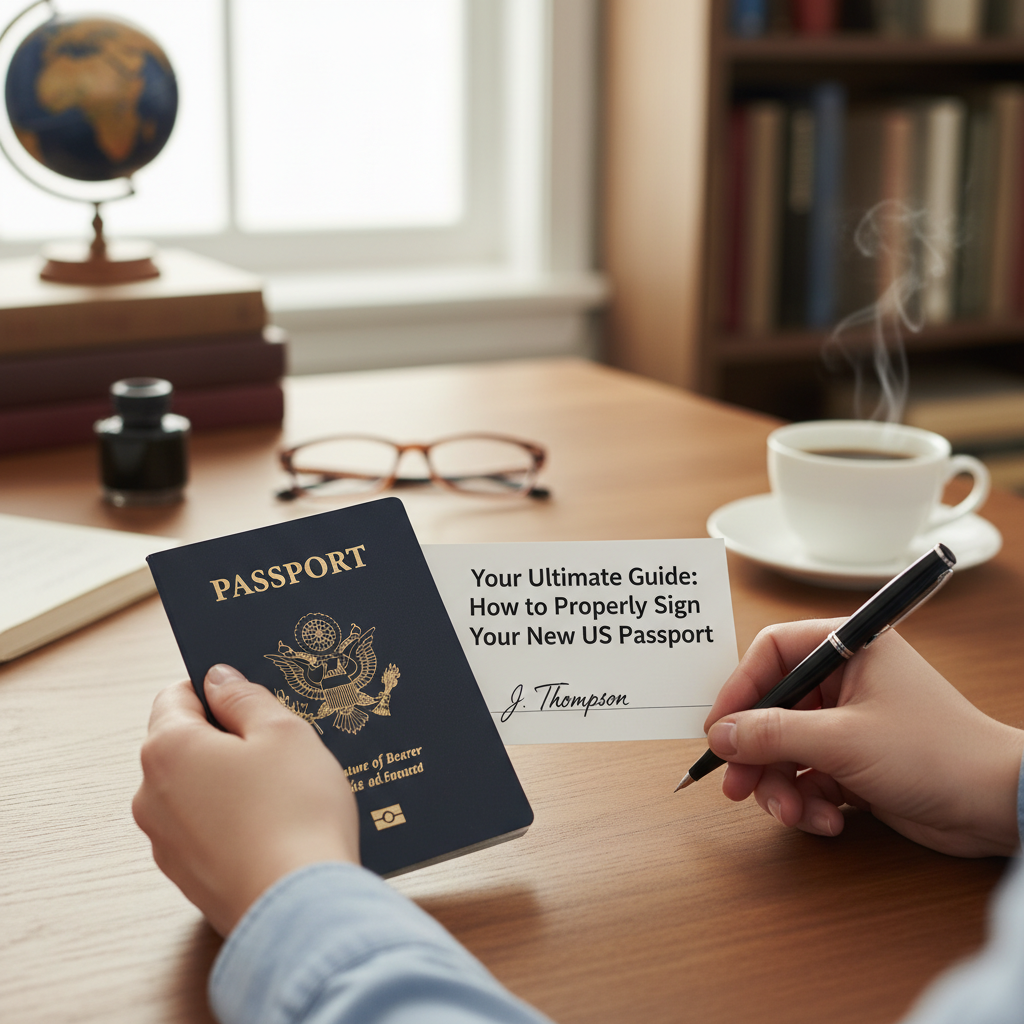
Your new U.S. passport has a designated space for your signature. It is critical that you sign only in this specific area. Open your passport to the main data page—this is the page with your photograph and biographical information (name, date of birth, etc.).
Look opposite your photo. You will see a line above the words “Signature of Bearer” or “Signature of Issuance”. This is the official signature line. Your entire signature must be contained within the space above this line. Do not write or sign anywhere else on this page, as any extraneous marks could be considered defacement and may invalidate the document.
The Most Important Tool: Choosing the Right Pen
The type of pen you use to sign your passport is incredibly important. The signature needs to be permanent, clear, and resistant to smudging or fading over the 10-year life of the passport. Using the wrong writing instrument can lead to problems down the road.
The U.S. Department of State recommends using a pen with black ink. While dark blue ink may be acceptable, black is the universal standard and the safest choice to ensure compliance and legibility. Avoid using any other colors.
The best type of pen is one that provides a steady, non-smudging line. A fine-tipped permanent marker (like a Sharpie Ultra Fine Point) or a high-quality gel or rollerball pen with permanent black ink is ideal. These pens deliver a solid line that bonds with the paper and dries quickly.
It is strongly advised that you do not use a standard ballpoint pen. The ink from a ballpoint pen can fade over time, and the pressure from the tip can create an indentation on the page that might be viewed as a security flaw. Most importantly, ballpoint ink can sometimes be lifted or altered, making it less secure.
How to Sign: Crafting the Perfect Signature
When you put pen to paper, you should use your usual, legal signature. This is the signature you use to sign contracts, checks, and your driver’s license. It does not need to be a perfect, cursive rendition of your full name unless that is how you normally sign.
Consistency is the most important factor. Your passport signature should reasonably match the signature on other forms of identification you carry. This helps create a cohesive identity profile that is easy for officials to verify when you are traveling.
What if your signature has evolved over the years? This is common. The best practice is to sign your new passport with your current signature. It is the signature you will be using for the next decade, so it should be the one you are most comfortable with and use regularly today.
Whether you print your name, use cursive, or have a more stylized signature is a matter of personal habit. As long as it is your consistent, legal mark, it is acceptable. Do not try to create a new, elaborate signature just for your passport. Use what is natural and established for you.
Critical Errors: Common Mistakes That Can Invalidate Your Passport
- Signing Outside the Box: Keep your signature entirely within the designated signature area above the printed line.
- Using the Wrong Pen: Never use a pencil, erasable ink, or a pen with non-permanent ink. Stick to permanent black ink.
- Smudging the Signature: Be careful not to close the passport or touch the signature until the ink is completely dry.
- Printing vs. Signing: Do not print your name unless your legal signature is printed. Use your customary signature.
- Incorrect Signatory: Do not let someone else sign for you if you are over 16, and do not have your young child sign their own passport.
- Attempting to ‘Fix’ a Mistake: Never, ever use correction fluid (white-out), erasers, or try to scribble over a mistake. A corrected signature is an altered signature, which can void the entire document.
“Oops! I Made a Mistake Signing. What Now?”
The moment of panic when the pen slips or you misspell your own name is real. The most important rule in this situation is: DO NOT try to correct it yourself. An altered signature page is one of the fastest ways to have your passport deemed invalid by a border agent.
Any attempt to erase, cover up, or write over a mistake can be interpreted as tampering. Passport data pages contain numerous security features, and any sign of alteration, however innocent, will compromise the integrity of the document.
If you have made a significant error—such as signing in the wrong place, a massive smudge that renders the signature illegible, or using the wrong person’s signature—you will likely need to apply for a new passport. This involves completing a new application, providing new photos, and paying the applicable fees again.
If the mistake is very minor, you can try contacting the National Passport Information Center at 1-877-487-2778 for guidance. However, to be safe and avoid any risk of being denied entry to a foreign country, the most reliable solution for a flawed signature is to replace the passport.
Special Circumstances: Signing for Individuals with Disabilities
The U.S. Department of State has procedures for individuals who are physically unable to sign their own name. If an applicant cannot sign their passport for any reason, the signature line should be left blank. The passport will be issued with a special endorsement stating, “The bearer is not required to sign.”
It is important not to have someone else sign on behalf of an adult with a disability unless that person has legal authority, such as a power of attorney. In most cases, leaving the line blank and allowing the passport to be issued with the official endorsement is the correct and required procedure.
After You Sign: Protecting Your New Travel Document
Once you have placed a perfect signature in your passport, give the ink several minutes to dry completely. Test it very gently in an inconspicuous area if you must, but it is best to leave the passport open in a safe place to air dry.
After it’s signed and dry, make at least two photocopies of the data page. Keep one copy in a secure place at home and carry the other with you separately from your passport when you travel. It’s also wise to have a secure digital copy saved to your email or a cloud service.
Finally, store your physical passport in a safe, dry place where it won’t be bent or damaged. A passport cover can offer extra protection. It is your key to the world, so treat it with the care it deserves.
In conclusion, signing your passport is the final act of claiming it as your own. By using the right pen, signing in the correct location with your legal signature, and avoiding common mistakes, you ensure your document is valid and ready for any journey. A properly signed passport is a secure passport, allowing you to travel the globe with confidence and peace of mind.